How to Delete Duplicate Photos on iPhone
Learn the safest way to delete duplicate photos on your iPhone without losing important memories. Compare Apple's built-in tools with AI-powered cleanup and free up storage in minutes.
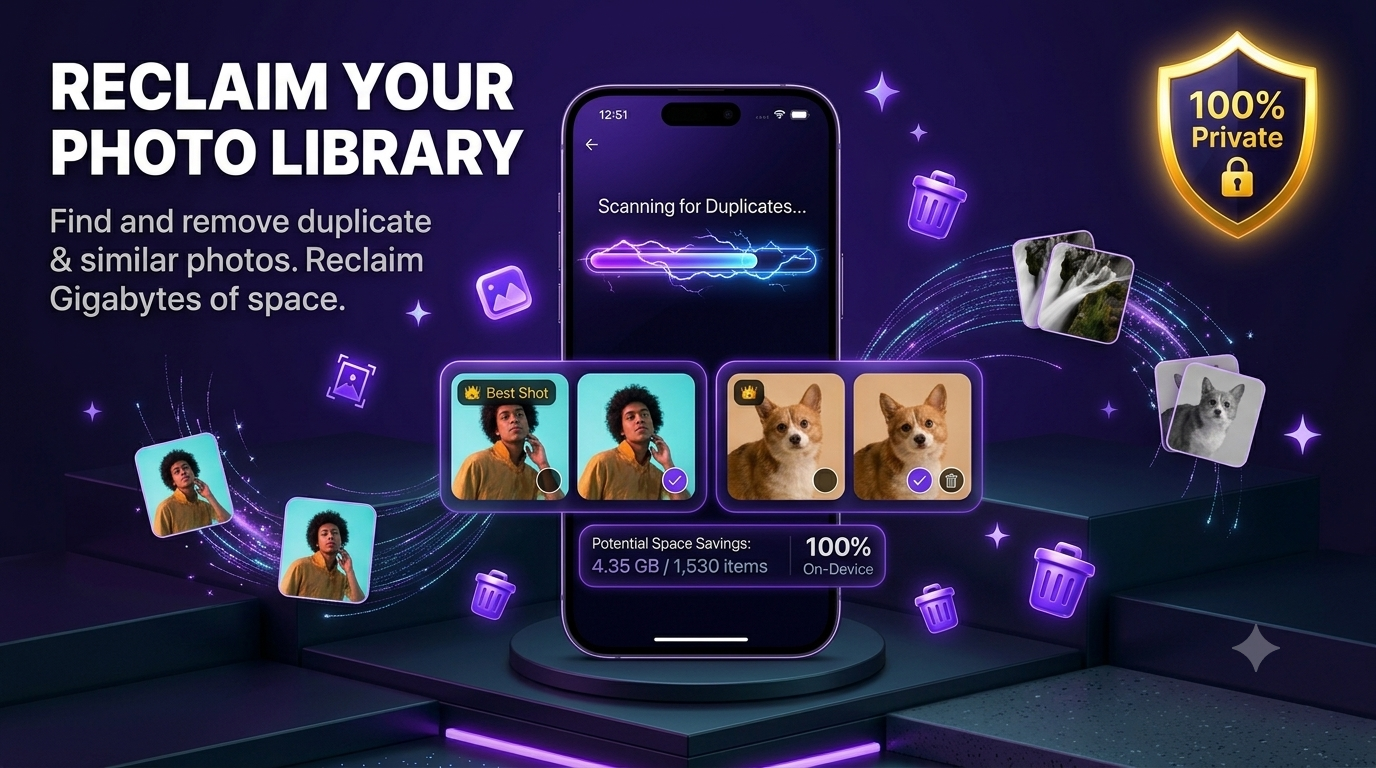
Deleting duplicate photos on an iPhone sounds simple—until you actually try it.
Most people don't just have a handful of duplicates. They have years of screenshots, blurry photos, burst shots, similar images, Live Photos, and random clutter mixed in with the memories they actually care about.
Once your library reaches a few thousand photos, cleaning it manually becomes something you keep putting off.
I know that because I built UnPile after running into exactly this problem myself. My photo library had become so large that finding photos I could safely delete felt impossible. I didn't want to risk losing important memories, and I definitely wasn't comfortable uploading thousands of personal photos to someone else's servers.
That experience shaped how UnPile works today: fast, private, and entirely on your iPhone.
If your goal is simply to free up storage, you may also enjoy our guide on how to free up space on iPhone without deleting your real photos.
Start with Apple's built-in Duplicates album
Before downloading any app, I always recommend checking what Apple already provides.
If you're using a recent version of iOS:
- Open Photos.
- Scroll to Utilities.
- Tap Duplicates.
- Review the suggested matches.
- Tap Merge.
For smaller libraries, this works surprisingly well.
If you only have a few duplicate photos, Apple's built-in tool may be all you need.
Why Apple's duplicate detection isn't enough
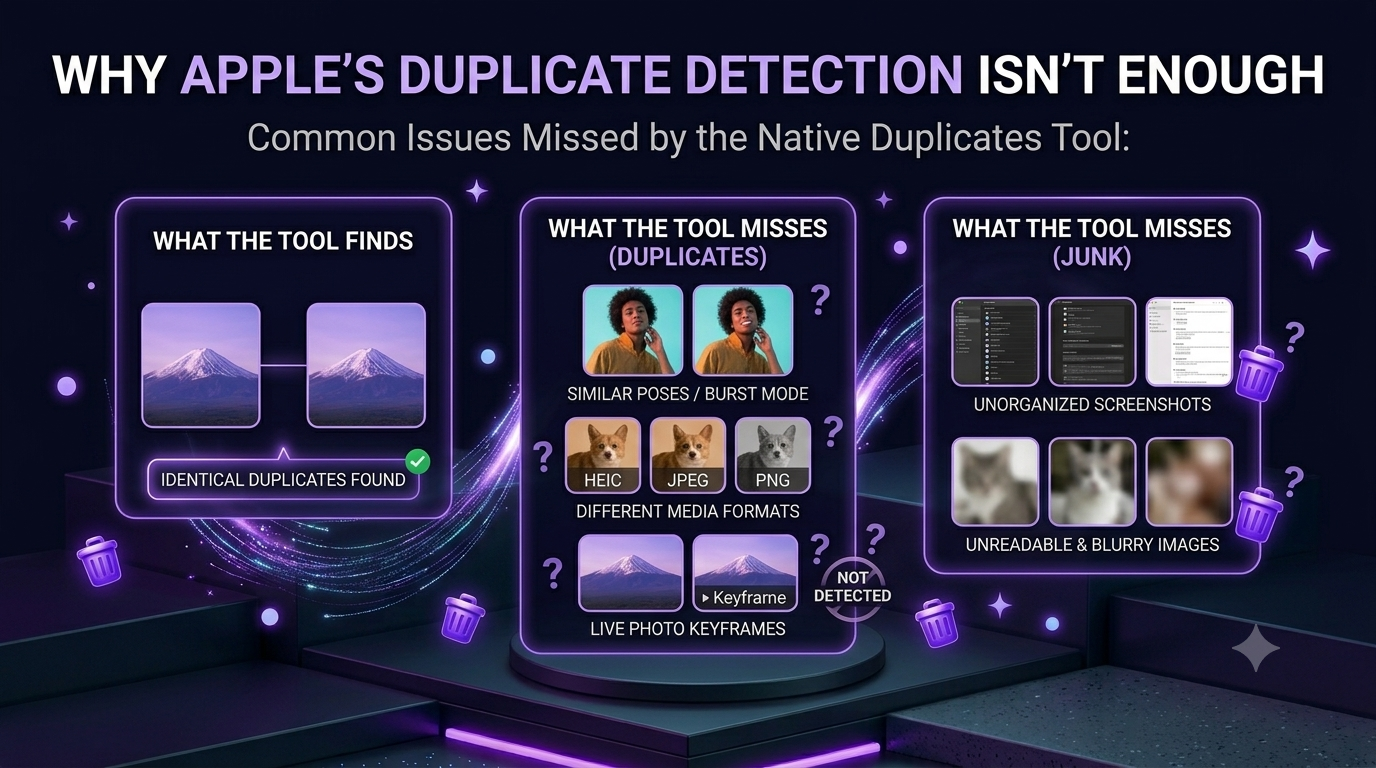
While building UnPile, I noticed something interesting.
Very few people actually run out of storage because of exact duplicate photos.
Instead, their storage is usually filled with things like:
- Multiple photos from the same moment
- Screenshots you forgot existed
- Blurry photos
- Live Photos you'll never watch again
- Random clutter collected over months and years
Apple helps with exact duplicates.
Your camera roll usually contains much more than that.
That's why people often check the Duplicates album, free a little storage, then wonder why their phone is still almost full.
Why cleaning your camera roll feels overwhelming
The biggest problem isn't deleting photos.
It's deciding which ones are safe to delete.
When I first started building UnPile, I had exactly the same hesitation.
I wanted my storage back.
I wanted my photo library organized.
But I didn't want to accidentally delete an important memory.
That fear is completely reasonable.
Most people would rather leave thousands of unnecessary photos untouched than risk losing one meaningful picture.
The approach I wanted instead
Instead of making people search through thousands of photos themselves, I wanted AI to organize everything first.
Here's what happens when you open UnPile:
- Grant access to your photo library.
- Scan every photo directly on your iPhone.
- AI analyzes the library to find duplicates, similar photos, blurry images, screenshots, Live Photos, and clutter.
- Everything is grouped into simple categories.
- You review every suggestion before deleting anything.
Instead of one endless camera roll, you'll immediately see categories like:
- Duplicates
- Screenshots
- Blurry Photos
- Live Photos
- Clutters
From there you can review each category individually, deselect anything you want to keep, or simply tap Smart Delete once you're happy with the suggestions.
AI does the searching.
You make every decision.
Your photos never leave your iPhone
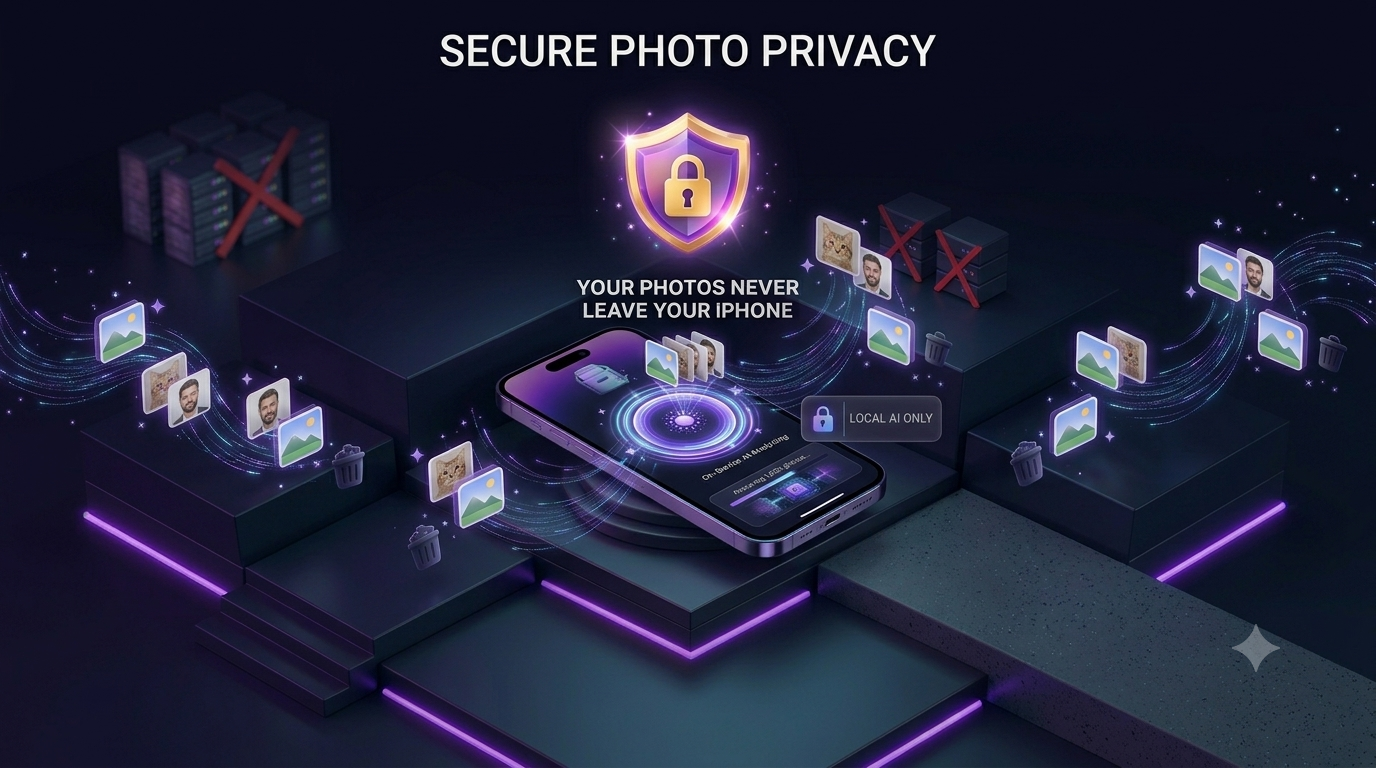
Privacy wasn't an extra feature.
It was one of the biggest reasons I built UnPile in the first place.
I wasn't comfortable uploading thousands of personal photos to cloud servers just so an app could organize them.
That's why UnPile performs every scan 100% on-device.
That means:
- Photos never leave your iPhone.
- No cloud uploads.
- No external servers.
- Works completely offline after permission is granted.
Your memories stay exactly where they belong.
You're always in control
Another thing I refused to compromise on was safety.
Nothing gets deleted automatically.
Every suggestion can be reviewed.
You can select or deselect individual photos before confirming.
Even after deleting them, your photos aren't immediately gone forever.
Like any normal deletion on iPhone, they're moved to Recently Deleted, where Apple keeps them for up to 30 days.
If you ever change your mind, restoring them only takes a few taps.
What surprised me while testing UnPile
When I tested the app on my own photo library, I expected to find a few duplicates.
Instead, I found hundreds of photos I hadn't thought about in years.
Most weren't important memories.
They were forgotten screenshots, blurry images, and random clutter taking up valuable storage.
Seeing everything organized into categories made cleanup feel surprisingly easy.
That's when I realized people don't struggle because deleting photos is difficult.
They struggle because finding the right photos takes too long.
My recommended cleanup order
If your iPhone storage is full, I'd recommend cleaning your library in this order:
- Merge duplicate photos.
- Delete screenshots.
- Review blurry images.
- Clean similar photos.
- Remove unnecessary Live Photos.
You'll usually free several gigabytes before you even touch photos you actually care about.
If you're specifically trying to recover storage, our guide on how to free up iPhone storage fast goes into even more detail.
Is a dedicated photo cleaner worth it?
For small libraries, Apple's tools are perfectly fine.
For libraries with thousands—or even tens of thousands—of photos, the biggest benefit isn't deleting more.
It's saving hours of manual work.
Instead of scrolling endlessly, you spend your time reviewing organized suggestions.
That's exactly how I believe AI should help.
Not by making decisions for you.
By eliminating the tedious work.
Final thoughts
Cleaning your photo library shouldn't feel like a weekend project.
Technology should do the repetitive work while you stay completely in control of your memories.
That's the philosophy behind UnPile.
You no longer need to spend hours searching for photos you don't need.
You don't have to risk losing important memories.
You simply review, confirm, and enjoy the extra storage.
Your photos stay private.
Your memories stay safe.
And your iPhone finally has room to breathe.
Stop losing storage to
clutter you don't need.
Get Early Access100% on-device. No uploads. No tracking.